Remove BG Online for Images and Videos

Upload an image or video to remove BG without choosing a tool first. We identify the file, open the right editor, and keep your selection ready for review.

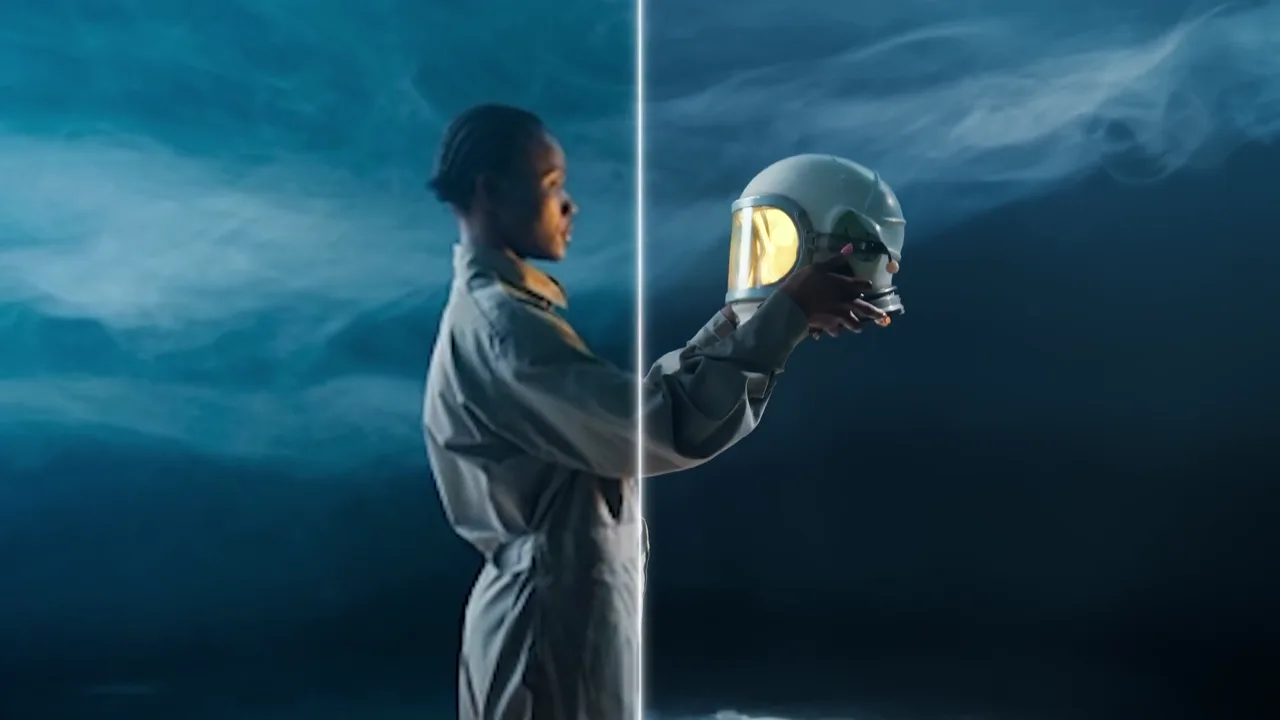
AI video background remover before and after demo
Original videoBackground removed

Trusted by creators and teams worldwide

Adobe
Sky
Lush
Kapwing
BBDO
Associated Press
CNN
University of Cambridge
L'Oréal
CERN
Autoreel
Meta
Revolut
BBC

Explore the toolkit

All Tools

Jump straight into a focused workspace for removing or replacing backgrounds and improving video quality.

One Upload for Everyday Background Cleanup

Start with the file you already have, then continue in a workspace designed around the way images and videos are reviewed, processed, and downloaded.

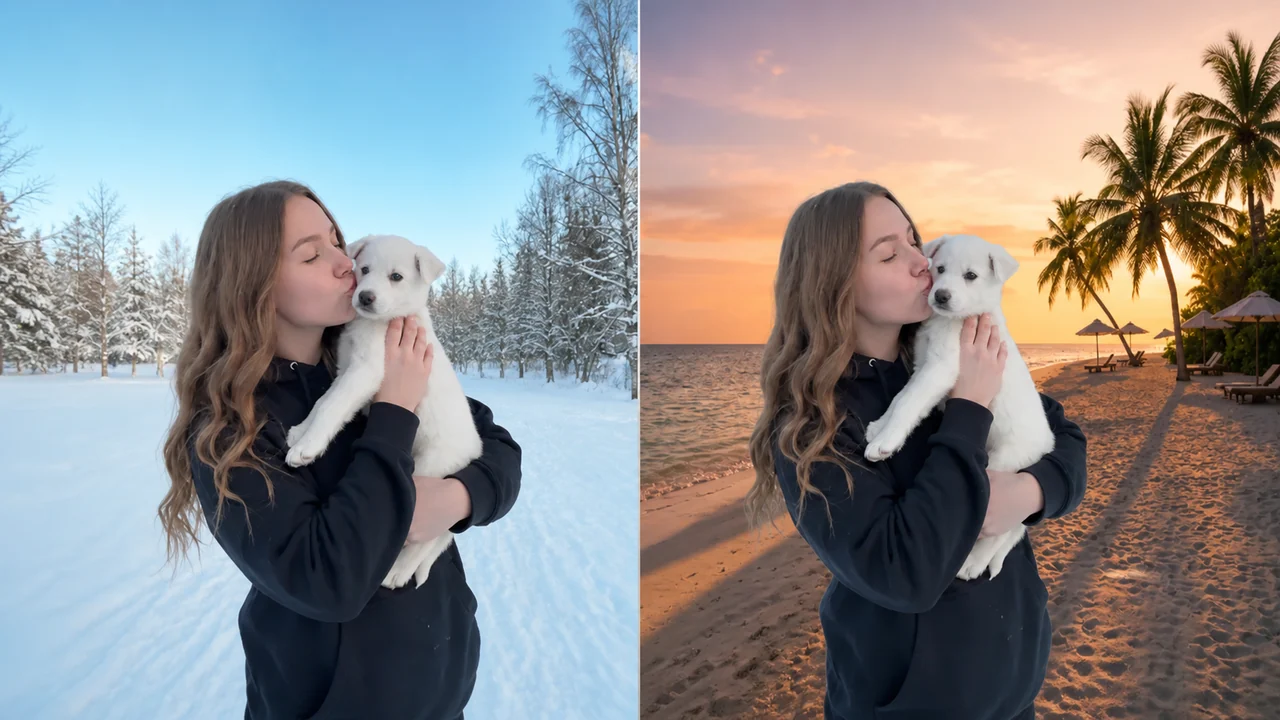
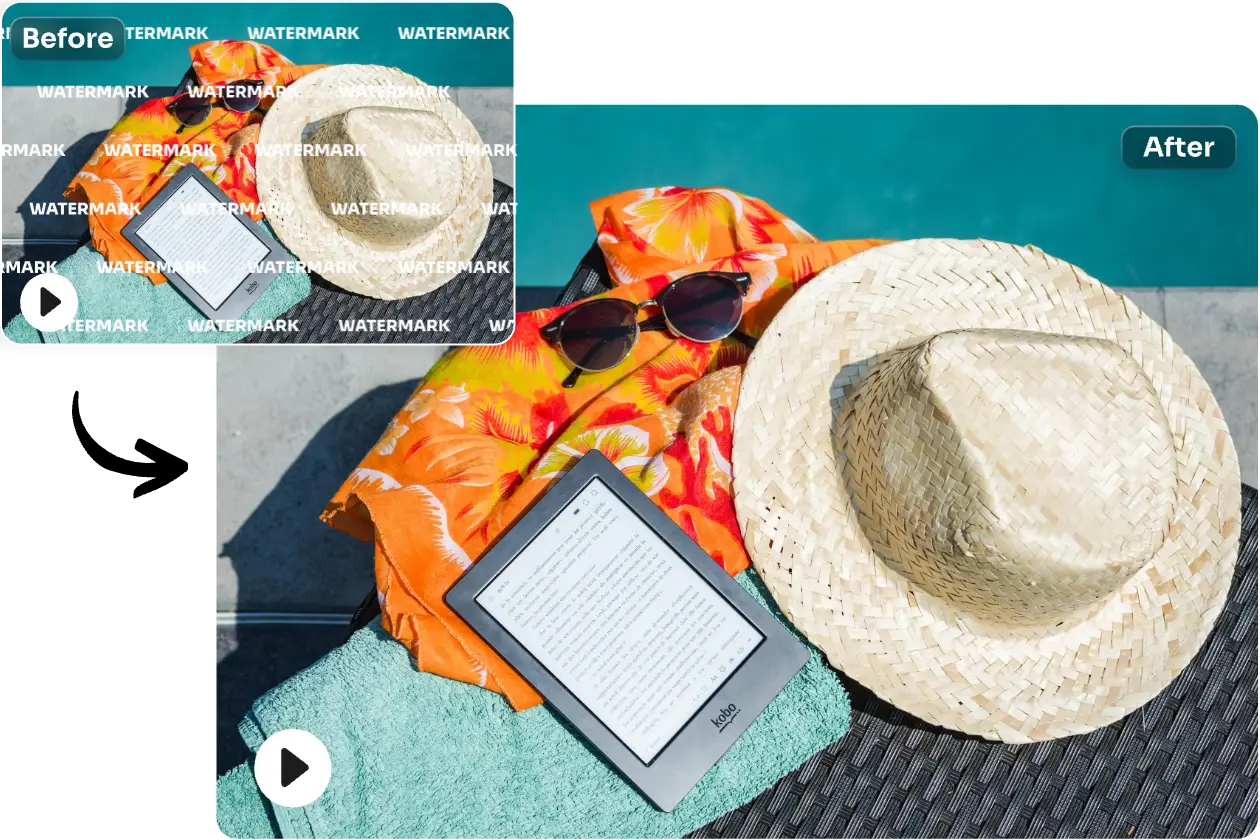
Create Cleaner Image Cutouts for Flexible Designs - After
Create Cleaner Image Cutouts for Flexible Designs - Before
Before
After

Create Cleaner Image Cutouts for Flexible Designs

Product photos, profile pictures, marketplace listings, presentation graphics, and social posts often need the same subject placed in several layouts. Uploading the original image here opens the dedicated image workspace with that file already selected. You can inspect the subject at a useful size, check hair, fabric, shadows, reflective packaging, and narrow product details, then decide when to begin processing. A transparent PNG gives another designer room to add brand colors, typography, gradients, or campaign artwork later. Keeping the source and result together also makes it easier to compare difficult boundaries before the asset is published across multiple channels. This remove BG workflow prepares the first cutout; remove unwanted scenery only after reviewing the source.

Review Video Subjects Through Real Motion

Review Video Subjects Through Real Motion - BeforeReview Video Subjects Through Real Motion - After
BeforeAfter

Review Video Subjects Through Real Motion

A clean still frame does not prove that every moment of a clip will hold together. Presenter gestures, turning products, loose hair, motion blur, changing shadows, and camera movement can reveal edge problems only during playback. When you select a supported clip, the shared uploader opens the video workspace and restores the source for a real motion check. Use a short eligible section for an initial test, compare the processed sequence with the original, and pause around the busiest frames. This workflow helps creators prepare presenter overlays, product demonstrations, tutorials, advertisements, virtual sets, and social edits without judging the result from a single thumbnail. A remove BG motion check helps creators remove distracting scenery after reviewing busy frames.

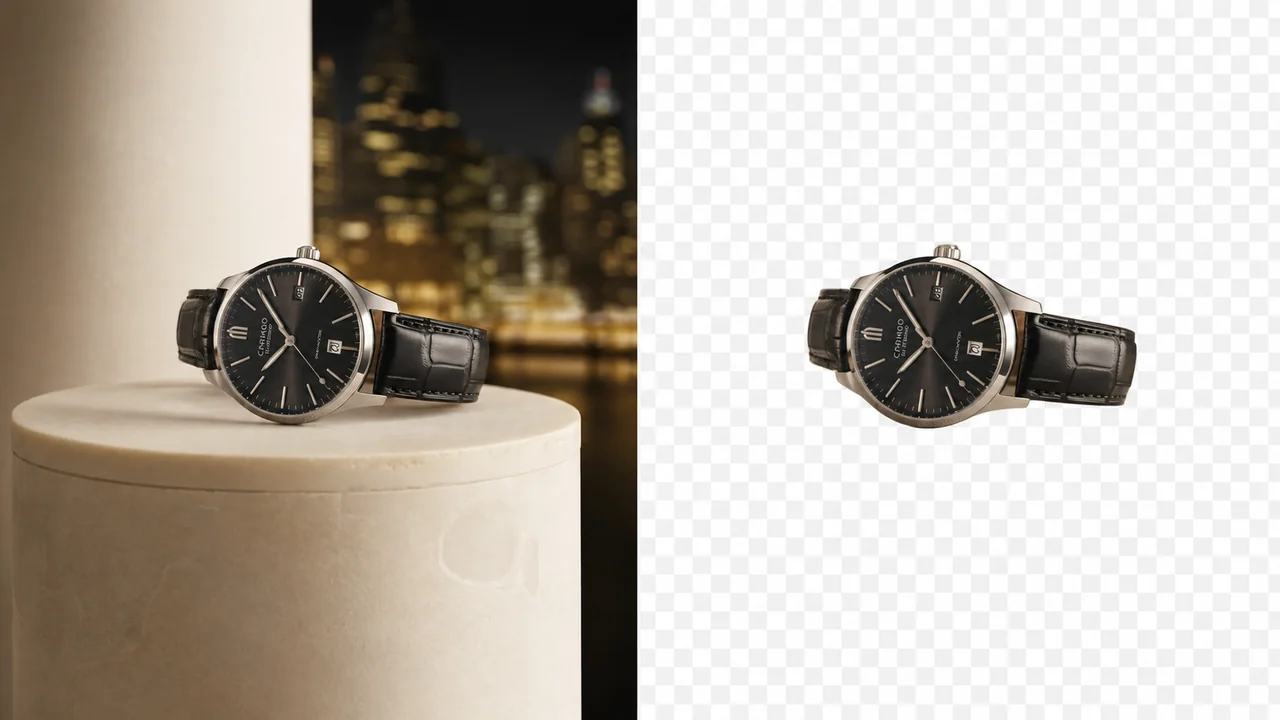
Choose an Output That Fits the Next Creative Step - After
Choose an Output That Fits the Next Creative Step - Before
Before
After

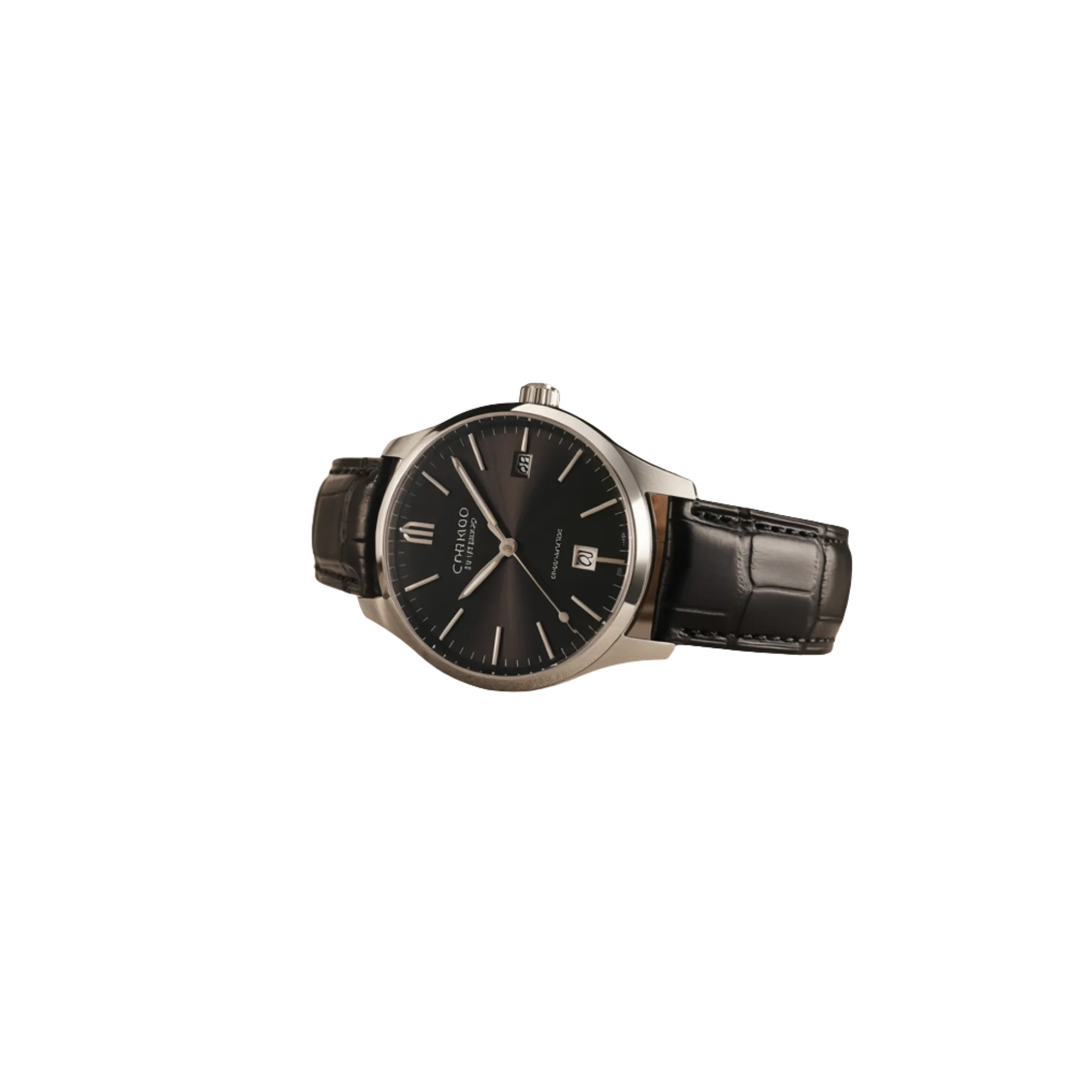
Choose an Output That Fits the Next Creative Step

Background cleanup is usually one step inside a larger design or editing process. Before downloading, consider where the foreground will be used, who needs to revise it, and whether the destination supports transparency. Image cutouts may move into a store listing, banner, slide deck, thumbnail, or layered design file. Video subjects may continue into a timeline, motion graphic, presentation, campaign template, or virtual scene. Review the result against light and dark backgrounds, keep the original available for comparison, and use the dedicated workspace controls instead of committing to an output before you understand the next handoff. This keeps reusable assets flexible and reduces repeated preparation later. Choose remove BG before handoff, and remove the old backdrop only after checking the destination.


Choose the Right Way to Remove BG

One upload area connects you to the image or video workflow. Use the BG remover online to keep your original file local during the handoff and continue in the editor made for that media type.

Remove BG from Images

Choose a JPEG, PNG, or WebP image up to 10MB. The page sends the file to the image workspace, where you can inspect the subject, remove BG, and prepare a transparent PNG without selecting the file twice. Review the BG preview, then remove the original background.

Remove BG from Videos

Choose an MP4, MOV, AVI, MKV, or WebM video up to 100MB. The video workspace restores the clip, checks its real metadata, and lets you remove BG after you review the source and available output settings. Check moving edges, then remove the video backdrop.

BG Remover Free Start

The free background removal path helps you test a supported image or a short video before choosing a larger workflow. Limits are shown in the destination editor, and processing begins only after you confirm the job. Free remove BG routing opens the trial workspace and lets you remove the background after review.

Remove BG HD Workflow

Use the remove BG HD workflow when the source contains fine hair, product edges, text, or motion that deserves a closer look. The tool preserves the source for review but does not promise artificial upscaling or extra resolution. Zoom into fine edges, then remove the original setting.

One BG Remover Online

The BG remover online identifies the media type before navigation. Your file stays in browser-local storage for the brief handoff, is restored in the correct workspace, and is cleared after the editor takes ownership. Browser-local remove BG handoff preserves the file until you remove its backdrop.

Private Until You Start

Selecting a file does not start processing, create a paid task, or spend credits. You can remove BG only after checking the restored image or video and explicitly starting the background removal action. Private remove BG preparation stays idle until creators remove the background themselves.

One upload, the right editor

How to Remove BG in Three Steps

The shared upload module routes each supported file to the correct tool while keeping the final processing choice in your hands.

1

Upload an Image or Video

Drop one supported file into the upload area. We validate its type and size, then decide whether the image or video editor should remove BG from that source. Initial remove BG validation checks the file before you remove its backdrop.

2

Open the Matching Workspace

The selected file is held locally for the page change. The image or video workspace restores it automatically, so the BG remover free experience does not require a second upload. Automatic remove BG handoff restores the selection so you can remove the background.

3

Review, Process, and Download

Inspect the preview and choose the available mode before starting. For a remove BG HD source, check fine edges and motion carefully, then download the result that fits the next editing step. Reviewed remove BG output keeps the preview visible while editors remove the backdrop.

Remove BG Questions

Answers about image and video routing, free limits, HD sources, browser-local handoff, and what happens after you select a file.

How does the BG remover online choose an editor?

The BG remover online checks the selected file type and extension. JPEG, PNG, and WebP files open the image editor, while MP4, MOV, AVI, MKV, and WebM files open the video editor. Unsupported files stay on this page with a clear error. The remove BG route selects the editor before you remove the background.

Is the BG remover free for images and videos?

The BG remover free option supports eligible images and short video tests under the limits shown in each editor. Premium controls remain available for longer videos or additional output choices. Selecting a file alone never creates a paid task. The remove BG route lets you review those limits before you remove anything.

Can I remove BG HD images and videos?

You can remove BG HD source material when it meets the file limits of the matching editor. Higher-detail inputs can make hair, reflections, compression, and moving edges easier to inspect, but this workflow does not upscale the source or promise 4K output. Inspect the actual source resolution before you remove its background.

Do I need to upload the same file twice?

No. When you remove BG from this page, the selected file is stored briefly in your browser and restored after navigation. The temporary record is cleared after the destination editor receives the image or video.

Does choosing a file start background removal?

No. The handoff only opens the correct workspace and prepares a local preview. Review the image or video, choose the available settings, and start the job yourself when you are ready to remove BG.

What happens if my file is not supported?

The page explains whether the format or size is outside the supported range and does not navigate away. Choose a compatible source, then use the BG remover online again to continue with the matching workspace.

Ready to Remove BG?

Use the online uploader above or open a dedicated workspace now. The BG remover free path is available for eligible sources, while each editor explains its own processing and output choices.