





AI Video Enhancer Online

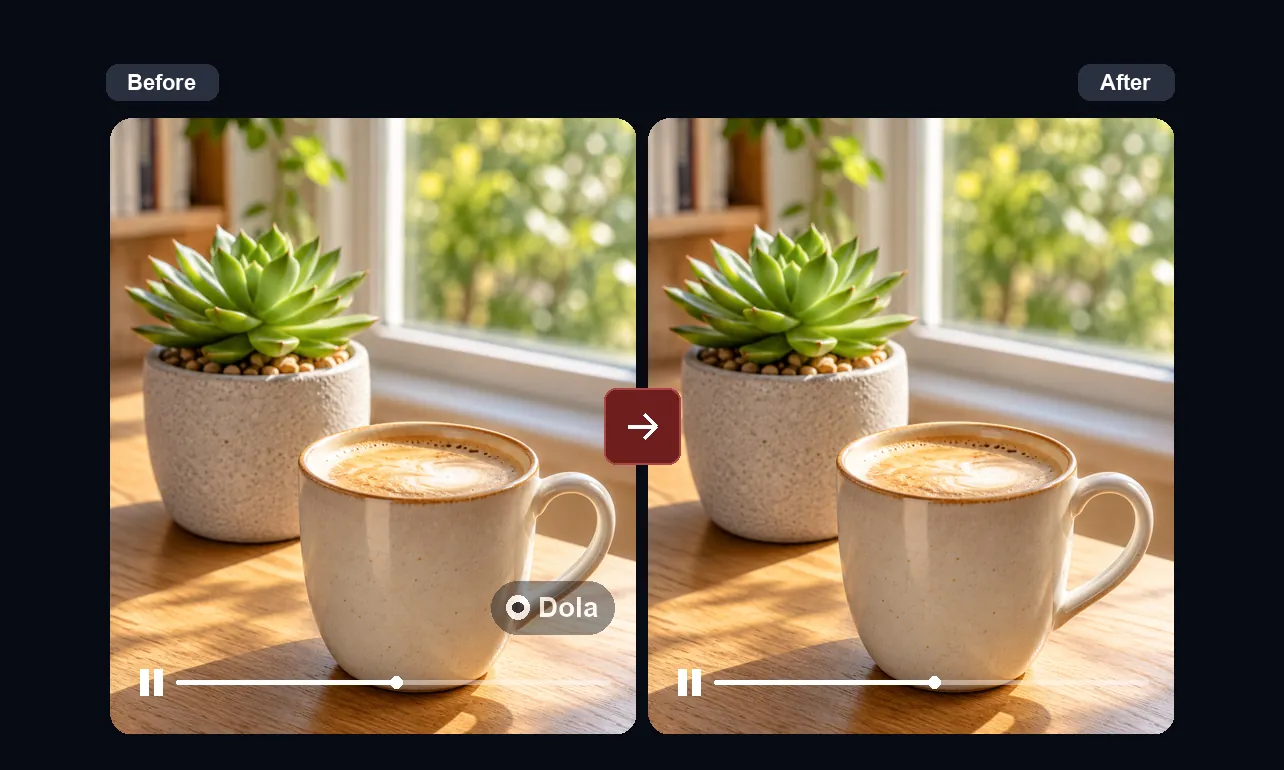
Improve soft, noisy, or compressed clips with AI, then compare motion, text, and detail before you download.

BeforeAfter
Mode
Strength
Size

Practical guide

Improve Video Quality Without Guesswork

AI Video Enhancer Online gives you a practical place to inspect a clearer version of a clip before you export it. Use it to assess soft footage, compression noise, and reduced detail with realistic expectations: enhancement can improve presentation, but it cannot recreate information the camera never captured.

Step-by-step workflow

  1. Upload a source clip and confirm that the preview plays normally.
  2. Choose the available enhancement settings that suit the footage.
  3. Compare the original and result at normal speed, especially around faces, edges, and on-screen text.
  4. Download only after the result looks appropriate on the device and at the size your audience will use.

Formats and limits

The uploader supports common video files including MP4, MOV, AVI, MKV, WebM, TS, MTS, and M2TS. MP4 is usually the most reliable choice when a browser has difficulty reading the original codec.

Processing time and output options depend on the file codec, duration, resolution, browser support, and selected workflow. AI enhancement can reduce visible compression or noise, but severe blur, lost focus, and damaged frames may still remain.

Privacy and permissions

Upload only footage you own or are authorized to process. Review the result before sharing it, avoid sensitive material, and consult the Privacy Policy for the current handling terms.

Real-world review example

Example: before a product-demo review, improve a compressed clip and compare small labels, moving hands, and background texture against the original. A convincing result should hold up through the full sequence, not only in one still frame.

Frequently asked questions

Can AI video enhancement fix every blurry clip?
No. It can improve how a clip presents, but heavy motion blur, missing focus, and severely damaged frames may remain visible. Review the most difficult seconds before you export.
What should I compare before downloading?
Watch faces, fine text, detailed textures, and fast camera movement at normal playback speed. These areas make over-sharpening, flicker, and remaining compression easiest to spot.
When is an AI Video Enhancer Online workflow useful?
It is useful when you need a browser-based review of a social export, product demo, tutorial, or archived clip before the next editing or publishing step.